How to Spot a Fake Transfer Alert Before You Release Goods
Fake credit alerts cost shops real money. Learn the signs, the 4 checks to do at the counter, and a simple rule that stops fake transfer losses for good.
By the StokUpp team · 10 November 2026 · 6 min read
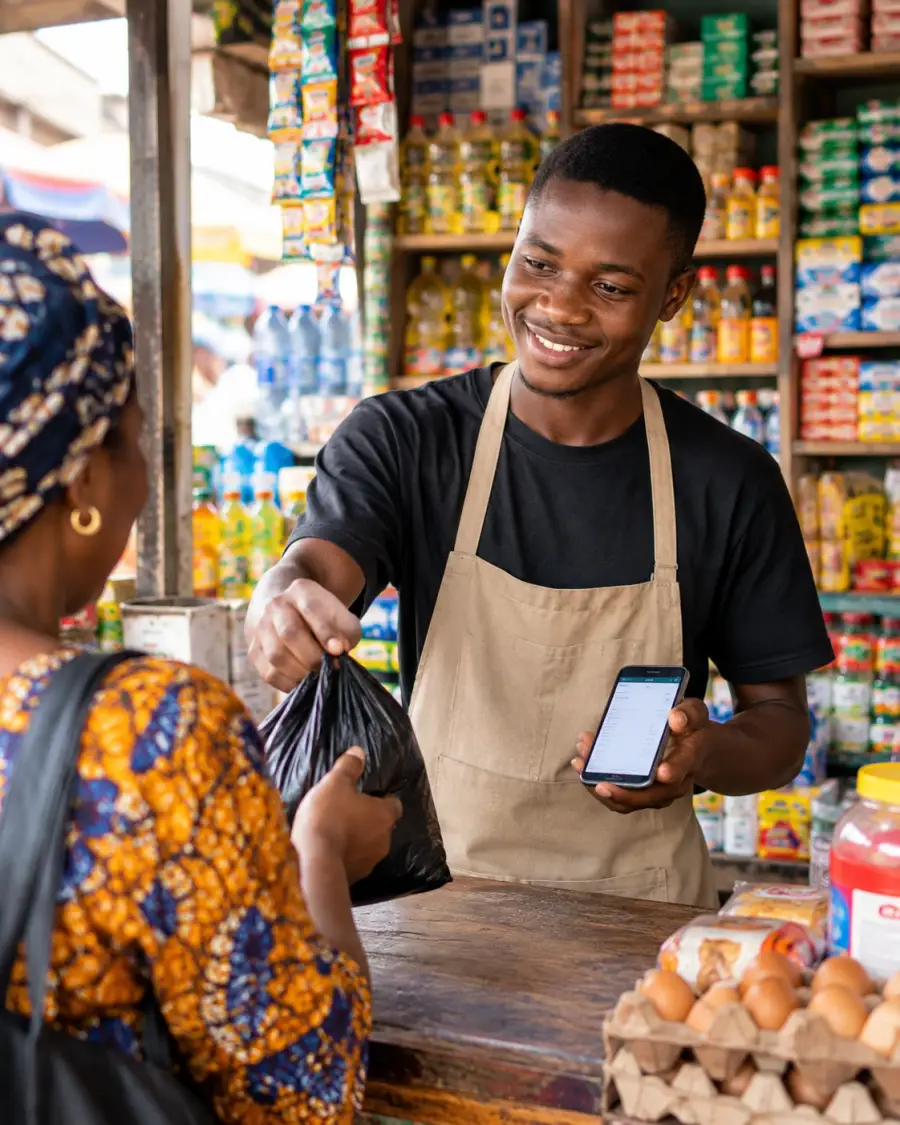
A fake transfer alert is any message, screenshot or "receipt" that says money has entered your account when it has not. The only proof that a customer has paid is your own bank balance, checked by you, on your own bank app or USSD. Not an SMS. Not a screenshot. Not the customer's phone. If you make that one rule the law of your shop, fake alerts stop costing you money.
The rest of this guide explains how the tricks work, the checks to do at the counter, and how to train your staff so they never release goods on a fake alert.
How fake alerts work
Most fake alert tricks fall into four groups:
- Fake SMS. There are apps that send an SMS that looks exactly like a bank credit alert, with your account number, the amount and even a "balance". The SMS can come in on your phone while the customer is standing there. It proves nothing.
- Edited screenshots. The customer shows you a "successful" transfer screen on their own phone, or a PDF "receipt". These are easy to edit or to generate with fake banking apps.
- The "it's pending" story. "The money has left my account, network is just slow, it will drop." Sometimes this is true. But a customer who walks away with goods on that promise can disappear.
- Wrong or reversed transfers. Money truly arrives, and later the customer claims it was a mistake or calls their bank to reverse it. This is rarer, but it happens with large amounts.
Notice that in every case, the customer wants you to trust something on their side or a message sent to you, instead of checking your account yourself.
The 4 checks to do at the counter
1. Check your balance, not the alert
Open your bank app or dial your bank's USSD code and look at your balance and transaction history. If the money is not in your balance, it has not arrived. A real alert and a fake one can look identical. Your balance cannot be faked from outside.
2. Check the sender's name
In your transaction history, the credit should show the sender's name. Does it make sense? If a "Mr Chinedu" transfers and the credit shows a different name, ask. Fraudsters sometimes use stolen accounts, and a name that does not match is a warning sign.
3. Check the amount to the naira
Some tricks send ₦5,000 and show you a fake alert of ₦50,000. Read the full figure in your history, not just the first digits.
4. Never release goods on a screenshot
A screenshot is a picture. Say it politely but firmly: "Please wait small, let me confirm on my side." Honest customers understand. Customers who get angry and in a hurry are telling you something.
What to do when the network is slow
Network delays are real in Nigeria, and you do not want to insult an honest customer. A few fair options:
- Ask them to wait a few minutes while you serve the next customer. Most transfers between Nigerian banks arrive within seconds or a few minutes.
- Keep the goods aside with their name on them until the money shows. Their goods are safe, your money is safe.
- Offer another way to pay: cash or POS.
- For regular customers you trust, record the sale as a debt with their name and the amount, and clear it when the money lands. Then it is written down, not just remembered.
What you should not do is let goods leave the shop on "it will drop".
Train your staff: one rule, no exceptions
Most fake alert losses happen when the owner is not at the counter. Your sales girl or boy is busy, the customer is loud and in a hurry, the alert "looks real", and the goods leave. Then nobody knows exactly when it happened.
Make the rule simple enough to repeat:
"No balance, no goods. A transfer counts only when it shows in the shop account."
Then make it practical:
- Decide who can check the balance. If staff cannot see the shop's bank app, they must call or WhatsApp you before releasing goods paid by transfer, especially big amounts.
- Set an amount limit. For example: any transfer above ₦20,000 must be confirmed by the owner, no matter who the customer is.
- Record every transfer with the customer's name and amount as it happens. At closing, compare the list with the bank history. A transfer on your list that is not in the bank is a loss you can trace to a day, a time and a staff member.
- Praise staff who make customers wait. If the only feedback they get is "why did you delay my customer?", they will start trusting alerts again.
Big purchases: extra care
Fraudsters prefer items that are easy to resell: phones, provisions in cartons, drinks, building materials, fabric. For large sales:
- Confirm the money in your balance before loading or packing anything.
- Be wary of customers who order a lot, pay by transfer, and want to leave immediately.
- Be wary of "overpayment" stories ("I sent ₦100,000 instead of ₦10,000, please send back the balance"). Check your own history first. Never send money back based on an alert.
If you have already been tricked
- Write down everything while it is fresh: time, amount, the account name and number on the fake receipt, what the person looked like, and any phone number they used.
- Report to your bank with the details. If your shop has CCTV, keep the footage.
- Report to the police, especially if it happened more than once or with a large amount.
- Warn other traders in your market or association. Fraudsters often try the same trick on the next shop.
How StokUpp helps
StokUpp is built around the rule "no balance, no goods":
- A transfer stays pending until someone confirms the alert. When a sale is paid by transfer, it is not counted as money received until it is confirmed, so you never count money that did not arrive.
- Every sale carries the name of the staff member who made it, so a confirmed-but-missing transfer can be traced to a day and a person.
- At closing, Close the day shows what should be in the drawer and what was counted, so cash shortages show up the same day, not at month end.
- Credit sales are saved with the customer's name and balance, so "I go send am later" becomes a written debt you can follow up with a polite WhatsApp reminder.
You can try it on a free example shop, without signing up, to see how a transfer waits for confirmation.